
Flux AI logoFlux AI
@ flux-ai.net

Flux AI Image Generator

Transform your idea into images with all kinds of Flux model. Watch as your words bloom into stunning visuals, try Flux AI generator for free.

How to use Flux AI?

Create, generate, and download an image in five simple steps.

  1. 1

    Open the image generator

    Go to the Flux AI image generator. On the left sidebar, you can find all the image generation options.

  2. 2

    Write your prompt

    Describe the image you'd like to generate. The more detail you provide, the better image Flux AI can generate.

  3. 3

    Choose a Flux AI model

    Select the right Flux AI model you want to use for your image.

  4. 4

    Generate your image

    Finish up the AI-generated image by clicking the generate button.

  5. 5

    Download and share

    Download images generated by Flux AI, use them in your projects, or share them with your friends.

How to use Flux AI?

Features of Flux AI

Enhanced Image Detail

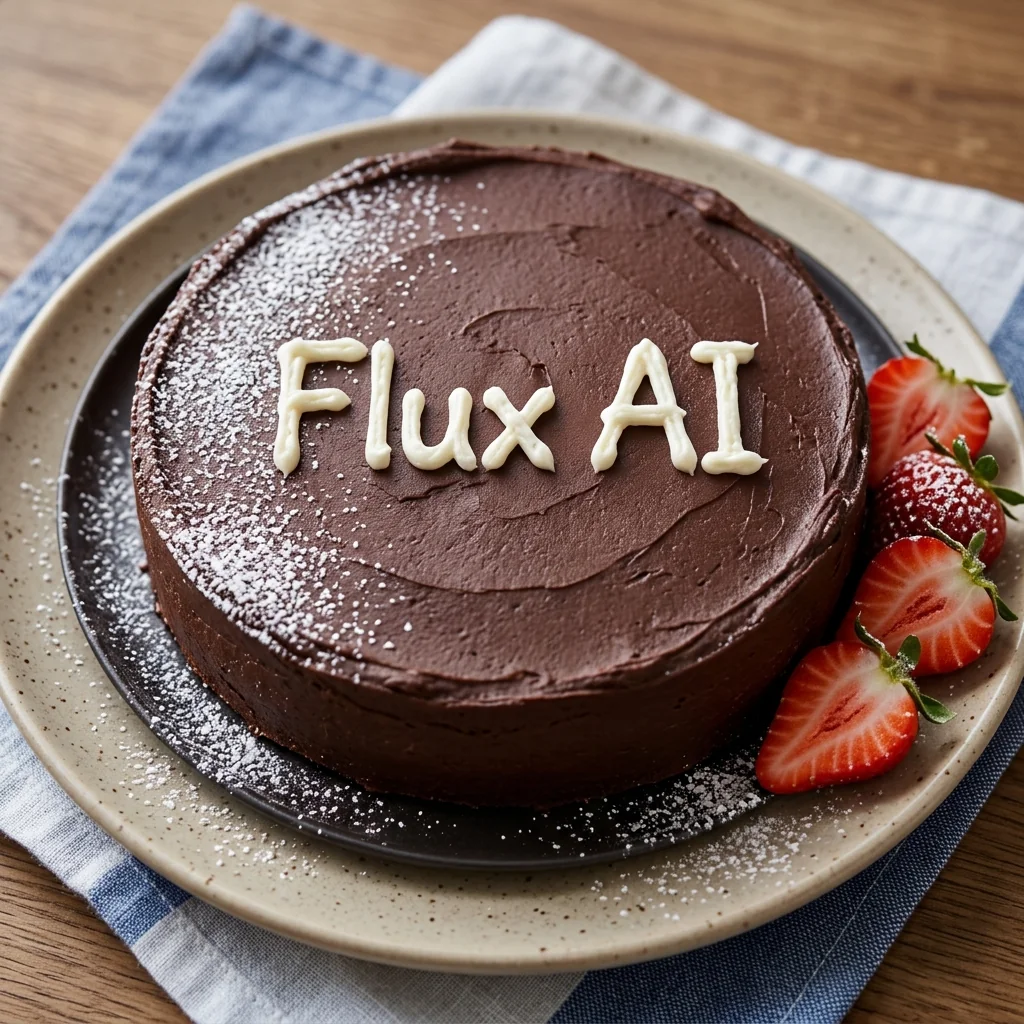
Flux AI generates images with exceptional detail and clarity using advanced AI Image algorithms. This feature enables the creation of highly intricate and realistic visuals, perfect for complex landscapes, detailed portraits, or intricate designs

Improved Prompt Adherence

Flux Image Generator accurately interprets and executes user prompts, producing images that closely match textual descriptions. This improved adherence ensures that the output aligns more closely with the user's creative vision, reducing the need for multiple iterations

Increased Output Diversity

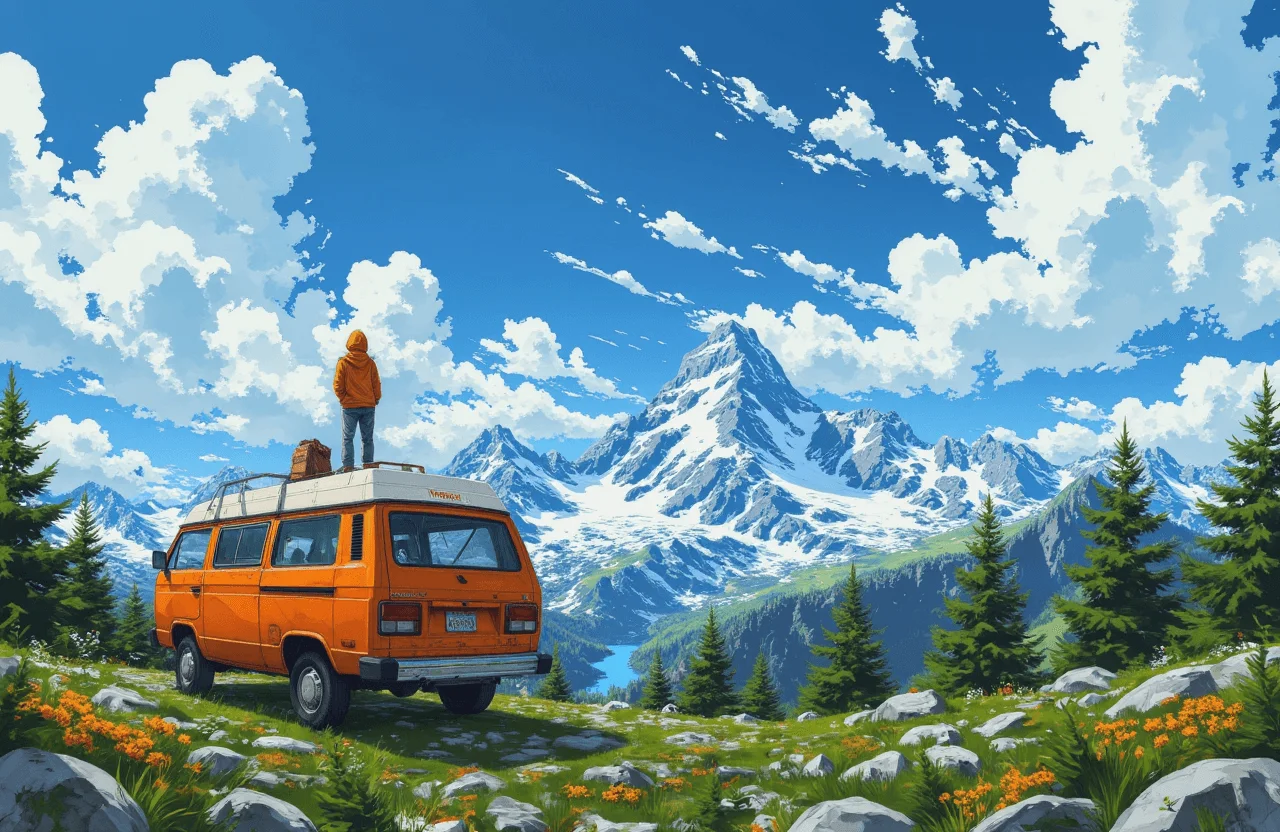
Flux AI Image Generator excels in producing a wide range of diverse outputs from similar prompts, enhancing creativity by offering various interpretations and styles. This diversity provides a rich palette of possibilities, making it an invaluable tool for artists, designers, and content creators seeking inspiration or exploring different artistic approaches.

Frequently Asked Questions about Flux Image Generator